

Class Schedule and Links for Groups

There is password protection on this page so only individuals with the password can join the groups. Please reach out to Samantha if you need the password. 541-579-6265 You can also request a texted list of current meeting IDs if that is helpful to you.

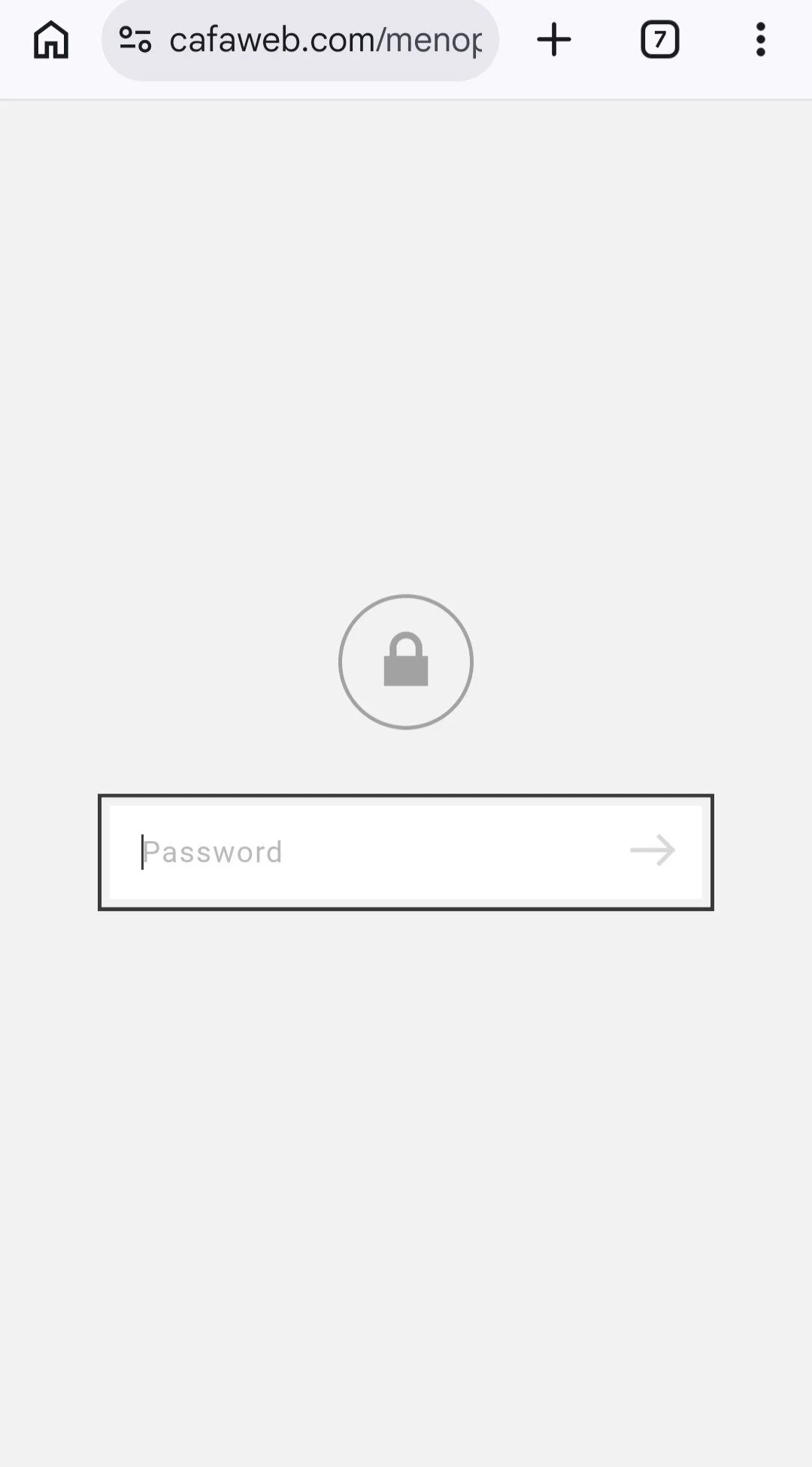
The password will only be required on the CAFA website in a window that looks like this. The password is case sensitive and is in ALL CAPS.
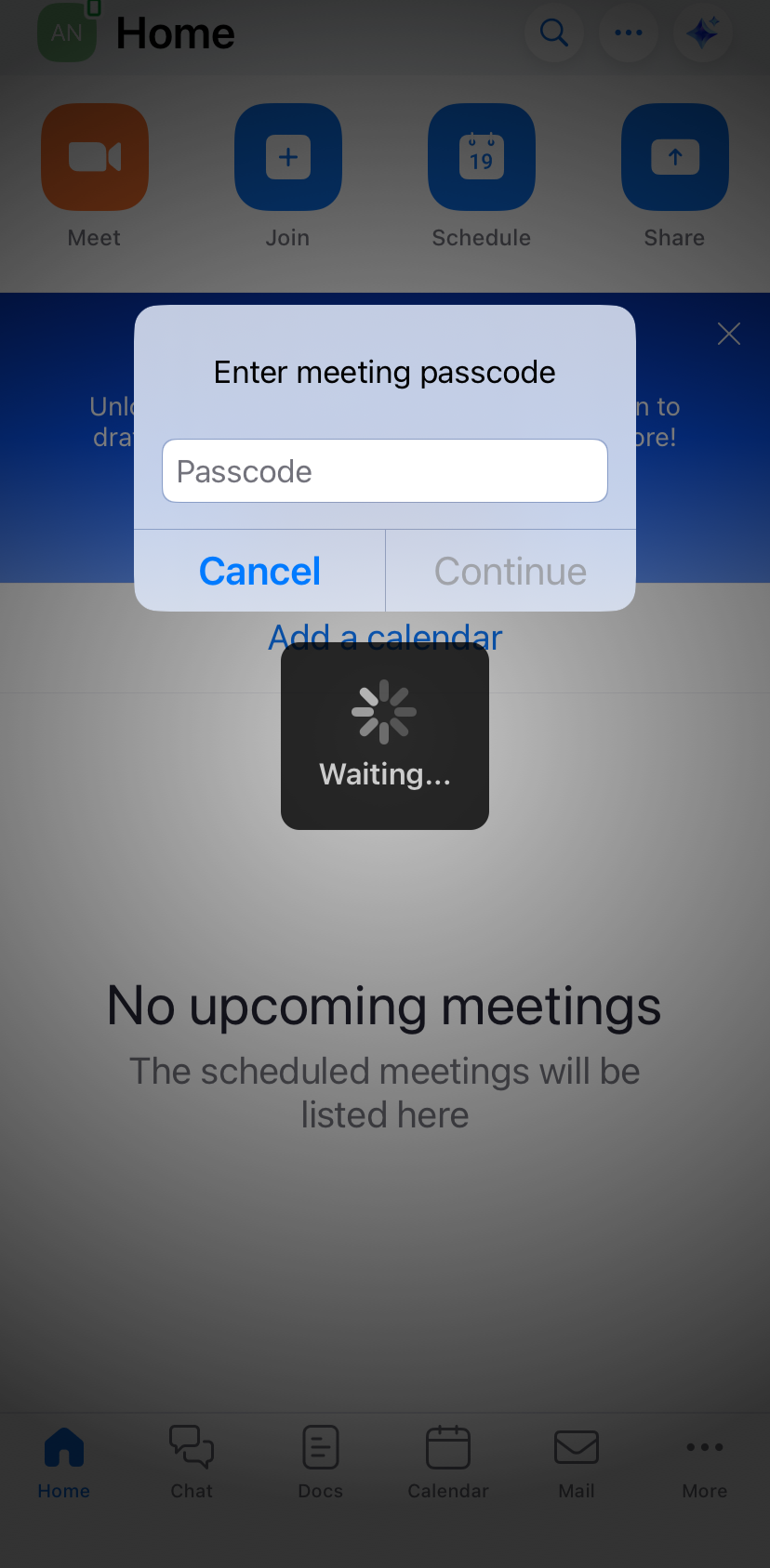
Zoom groups do not require passcodes. If you enter the password into this field you will get an error message and will not be able to join. The password is only required from the CAFA website, not in zoom.
Is Zoom not letting you join?
Try to uninstall and reinstall the app on your device. Running an old version of the app will cause you to sit in the waiting room and never be admitted. Our facilitators will not see you in the waiting room due to the 2 different versions of the app not working together as they should. This should fix it.
Is the CAFA website showing a previous month’s calendar or are you seeing an error code saying, “meeting ID invalid” ?
Clear your cache and browser history. This will allow you to see the most up to date version of our website.
-
Men's OPAC Groups
-
Parenting After Crisis Groups
-
Women's OPAC Groups
-
Men's UCCI CBI Groups
-
ESPC Women's Cancer Support Groups
Steps for connecting to a zoom meeting from a phone call
Dial +1 669-900-9128
Enter the Meeting ID then press #
If the meeting hasn't started press # to wait for the host to start the meeting.
You may be asked for a participant ID. Press # to skip.
If you have a question during the meeting dial 9 to raise your hand. Facilitators will see this and get to your question.
To mute & unmute dial *6.
To raise & lower your hand dial *9.
Enjoy group!